In my decade as a software engineer I have primarily focused on backend development. Though I did occasionally work on projects that required touching frontend code, it rarely had to do with implementing designs from scratch. As a result I became aware of how CSS and HTML work but did not gain a deep knowledge of them.
In my quest to transition into design engineering work, I need to learn the languages more concretely in order to produce the AI-prompted results that I want. And so, armed with AI tools, I created a curriculum of study for myself.
Box Model
The frontend code I worked with was never strictly speaking design-related but rather functionality, so while I dabbled in Typescript and Javascript (the code that makes stuff “work” on the frontend) I did not touch CSS nor any visual assets. This meant that I did not do any layout work that required knowledge of the various frameworks utilized in CSS.
The basic foundation for how CSS styles various elements on a webpage is the Box Model. Basically, every element on the page is a box. You have the content area as the central element in the box, surrounded by some amount of padding. The padding is then bounded by a border which is then surrounded by a margin.
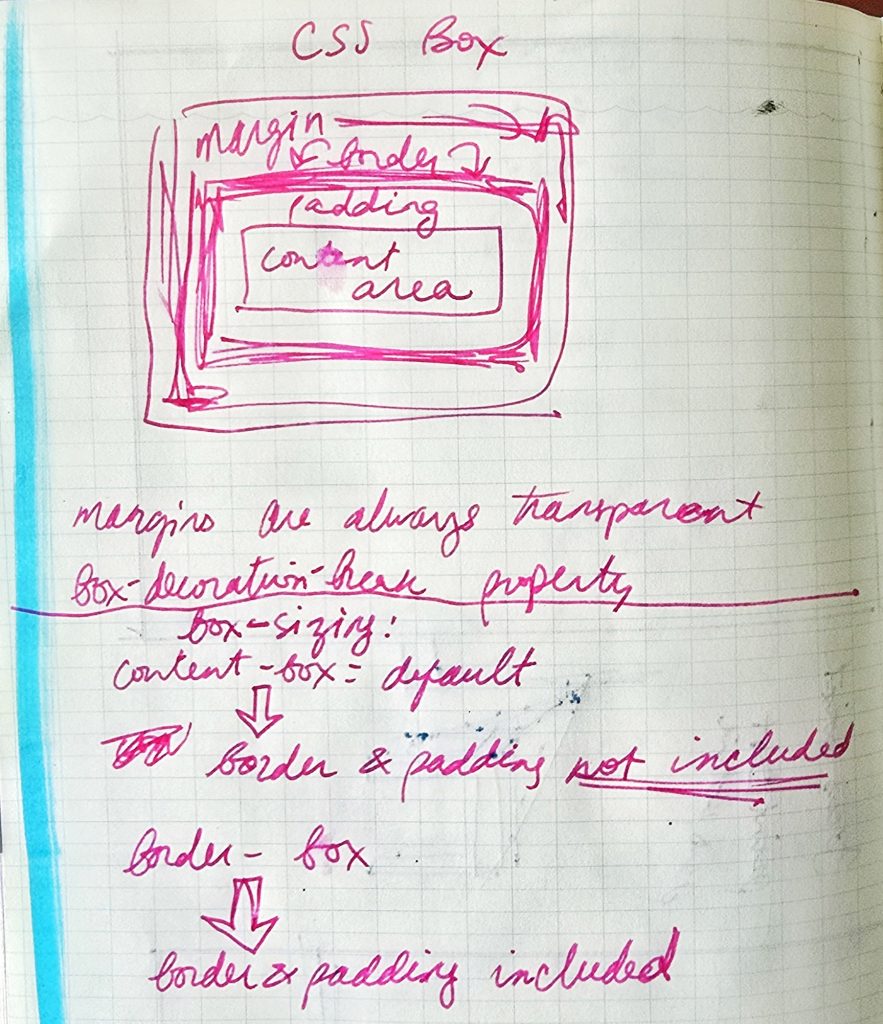
The most important element of learning the box model in my study sprint was the box-sizing property, which by default is set to content-box which does not include the border and padding, which makes spacing the elements not particularly intuitive. So the takeaway I got was to pretty much always set box-sizing: border-box.
Flexbox Froggy and Grid Garden
With the Box Model firmly under my belt I moved on to Flexbox.
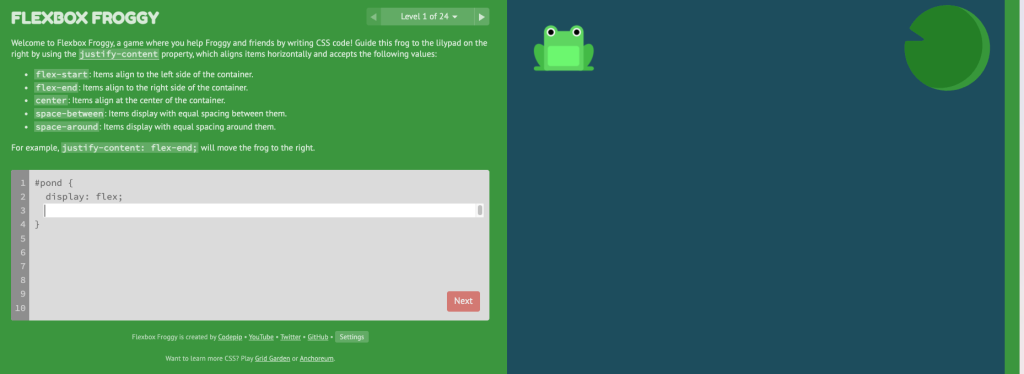
I briefly read over the various properties that are part of flexbox and then moved on to learning via playing Flexbox Froggy, which was a delightful experience! The point of the game is to use various flexbox properties to get the frog(s) to their associated color lily pads.
I struggled with the last level and ran through the game twice to see what I missed, but ultimately was able to figure it out. I definitely appreciated the fact that there was a limited number of lines so you knew for sure that there was only a limited number of options on how to solve the problem.
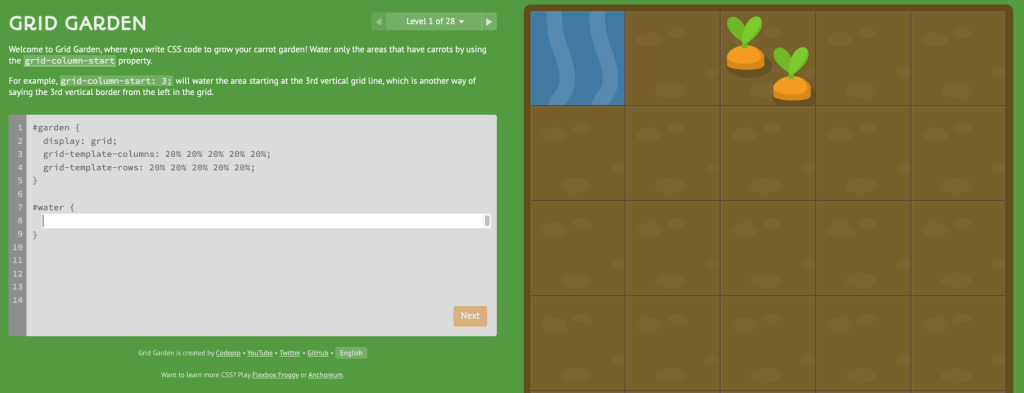
The CSS grid is like flexbox, though in two dimensions. Similarly, I read up on the basics and then played Grid Garden. I breezed through this one and really appreciated how easy it was to learn though I will say that I will never be a supported of spraying poison on weeds (which is one of the things you have to do in the garden).
Next up…
The next challenge, and the one I am currently working through is learning Figma. The idea is that I would do the designing work in Figma and then utilize AI tools to implement the design.
I’m making my way through the Figma YouTube beginners tutorial, which I will have a post about soon.